
For restaurants, cafés and take-aways in Cyprus
Your menu, orders and tables. One address.
Reserve gives your restaurant its own website in Greek and English, takes orders for pickup and delivery, books tables, and puts every order on a screen in the kitchen. You switch on only the parts you need.
No card needed. No set-up fee.
- Greek and EnglishEvery page, every email
- Your own addressA free one now, your domain later
- Flat monthly priceYou pay for what you switch on
- Hosted in CyprusDaily backups, updates included
01
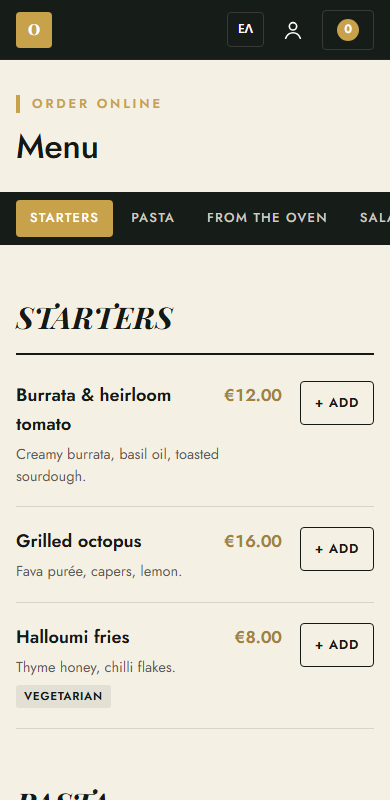
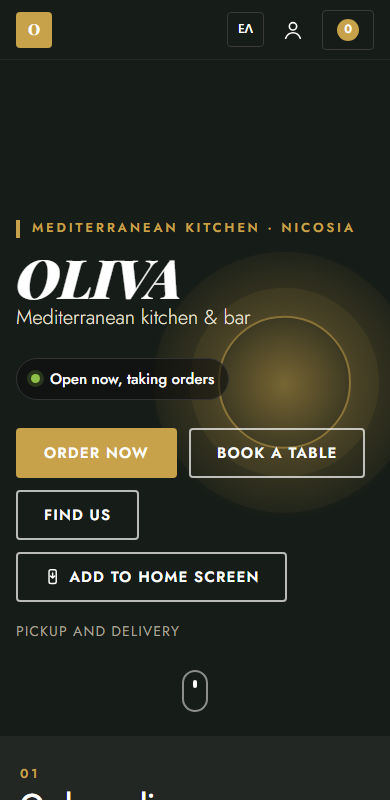
A website your guests will actually use
Your logo, colours, photos, hours and map on a fast site that is built for phones first. The menu is always the one you see in your admin, so a sold-out dish or a new price shows the moment you change it.
- Categories, dishes, prices, allergens and tags
- A QR code that opens the menu at the table
- Guests can add it to their home screen like an app
02
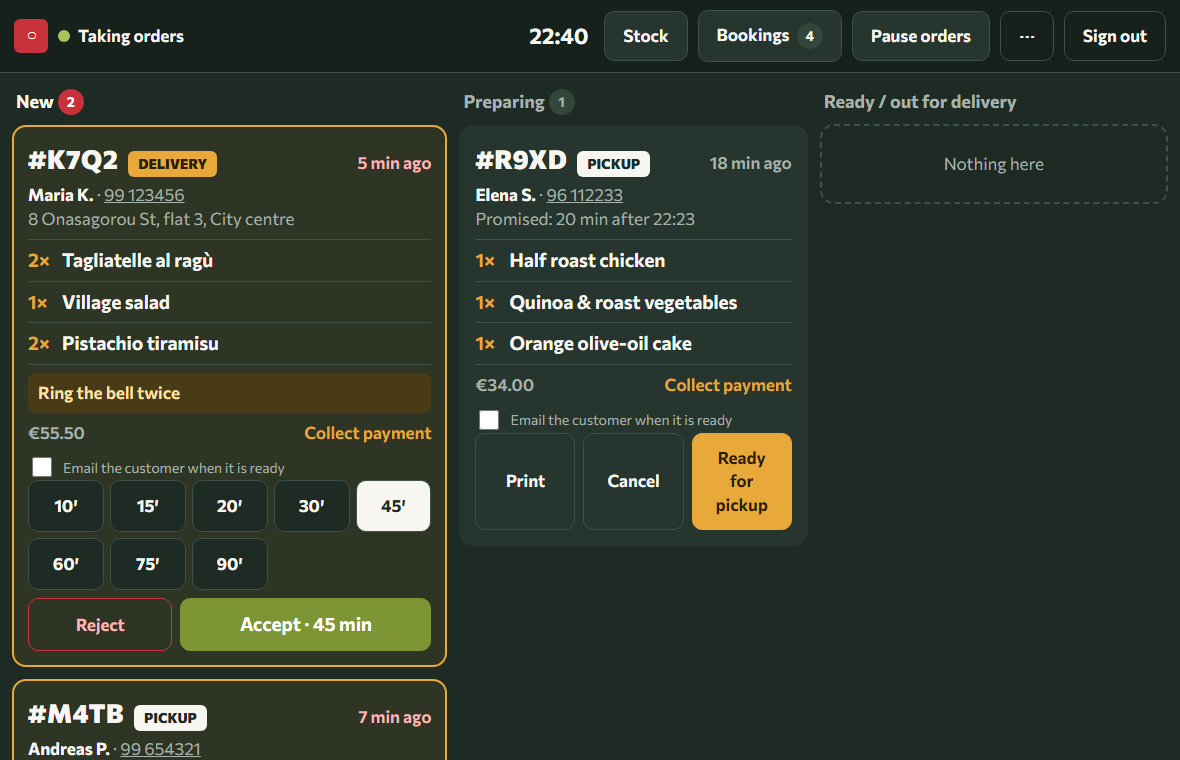
Orders arrive in the kitchen, not in a chat
A new order rings on the kitchen screen. You accept it with a ready time or reject it, the guest is told straight away, and the ticket prints if you want paper. Delivery shows the address and the area it belongs to.
- Pickup, delivery and ordering from the table
- Cash or card. The card is charged only when you accept
- Pause ordering or mark a dish sold out in one tap
03
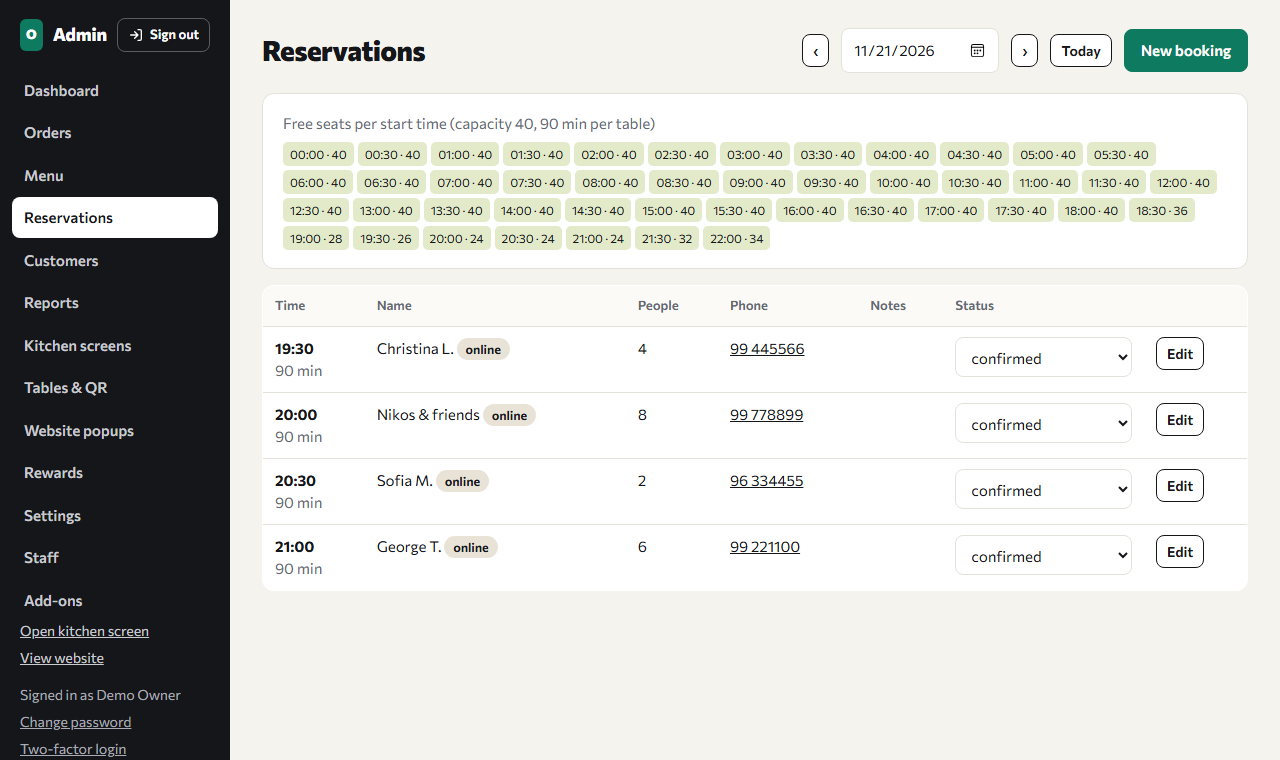
Table bookings without the phone tag
Guests pick a time that is really free, because Reserve knows your seats and how long a table stays. You see tonight's list in the admin and on the kitchen screen, and you can still add the bookings that come by phone.
- Your capacity, time slots and largest party
- Confirmation by email to the guest and to you
- Switch online bookings off for a full night
In every plan
What you get before any add-on
Your website
Home page, menu, hours, address and map, in Greek and English.
Menu builder
Dishes, photos, allergens and tags. Sold out is one tap.
Staff logins
Admin, manager, kitchen and front desk. Each sees what it needs.
Your own address
A free address from day one. Your own domain when you want it.
Security and backups
SSL on every page, two-factor login for admins, a backup every day.
You are in control
Every setting is a switch or a form in your admin. No developer needed.
Add-ons
Switch on only what you use
Each add-on has its own monthly price and you can turn it on or off yourself, whenever you like.
Loading…
Getting started
Three steps to open
- 1
Create your restaurant
Pick the name and the address, like yourname.nexwaves.com.cy. It takes two minutes.
- 2
Add your menu and your look
Logo, colours, photos, opening hours and dishes, from your admin panel.
- 3
Switch on what you need
Ordering, delivery, bookings, the kitchen screen. Nothing is sold until you say so.
Pricing
Build your plan
Get started
Create your restaurant
Choose your address now and keep it. You can connect your own domain, like www.yourrestaurant.com, later from your admin panel.
- Free trial, no card needed
- Online ordering stays paused until you switch it on
- Change add-ons any time